Feature · Brand Brain
Brand Brain: brand consistency on social media, in every piece
Brand Brain is where your brand lives inside the Studio: colors, fonts, voice, audience, offers and what it never says. You set it up once, review it whenever you want, and every generation uses the active version.
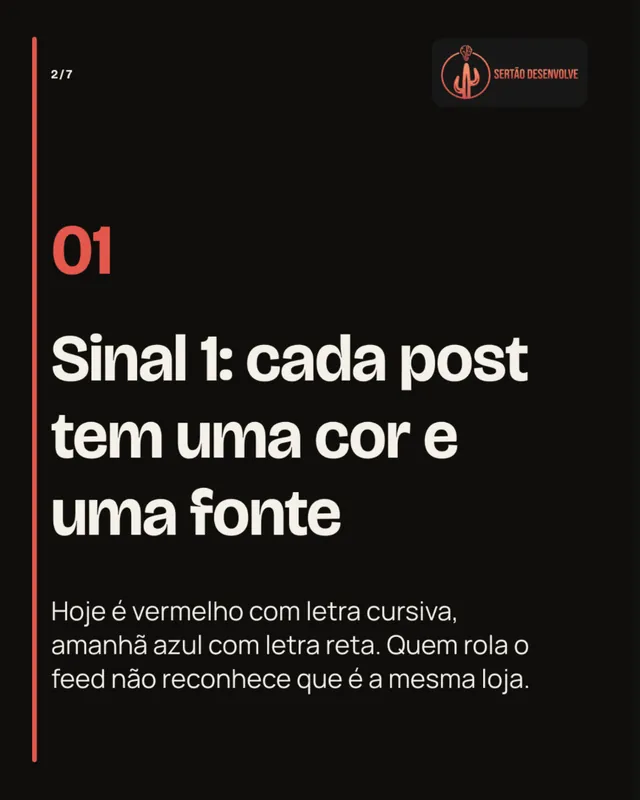
An inconsistent brand looks like a careless one
When each team member, freelancer or tool reads the brand their own way, the feed becomes a collage. Customers can't recognize the company from one post to the next.
A brand manual in a PDF helps little if nobody opens it while creating. The identity has to live where the piece is made.
- Colors that are close, but never the same.
- A voice that changes with whoever writes.
- A logo that gets cropped or misplaced.
- Promises the brand can't make.
How it works in the Studio
Brand Brain sits under My brand, organized in tabs, and every change is saved as a draft until you activate it.
- Step 1
Start from what already exists
Enter your website or connect a professional Instagram, Facebook or TikTok account. The Studio reads recent posts and suggests voice, offers and palette. They are suggestions: nothing goes in without your review.
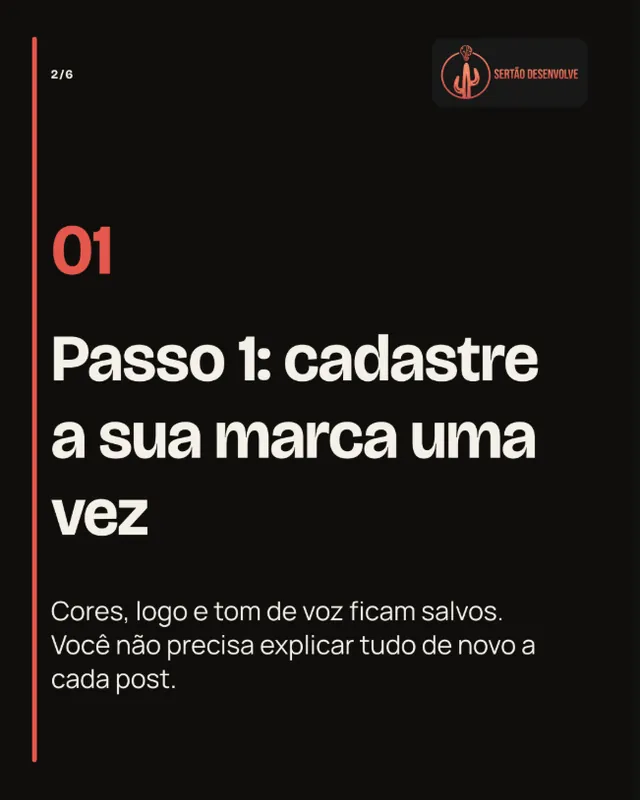
Setting up the brand is the first step of the whole workflow. - Step 2
Define colors, fonts and voice
Each color gets a role (background, text, accent) and the Studio checks contrast before accepting it. You pick the typography, describe the voice, your preferred calls to action and what to avoid.
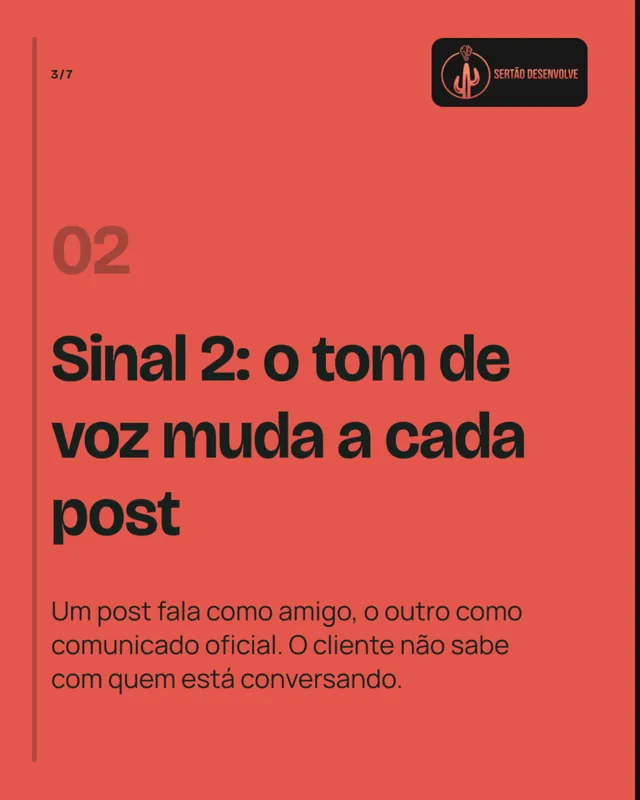
A voice defined once applies to every piece. - Step 3
Activate and generate safely
Once activated, the version becomes the reference for every new generation. Each piece keeps the brand version it used, so changing something later never alters pieces already in progress.
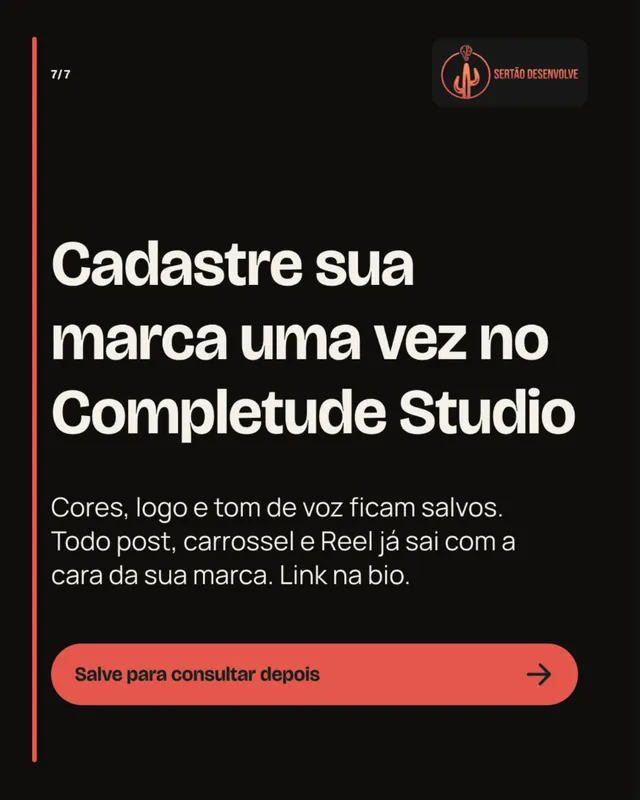
One active brand, every piece aligned.
Two brands, two identities
The same Studio made these pieces for two different brands of the Completude ecosystem. What changes from one to the other comes from each brand's Brand Brain.



What Brand Brain keeps
- Positioning
- Promise, values, differentiators, offers and approved audiences.
- Voice
- Tone traits, preferred and banned terms, hooks and calls to action.
- Visuals
- Logo, a palette with roles and checked contrast, typography (Manrope, Figtree or Bricolage Grotesque) and image direction.
- Versions
- Draft, active version, history and rollback to an earlier version when you need it.
- Export
- A brand preview and a PDF with the same content, to share with the team.
Frequently asked questions
Do I need a finished brand manual?
No. You can fill it in from scratch, or start from your website or a connected account. If you have a manual, attach it to a request so it guides that piece.
Does the Studio change my brand on its own?
No. What it reads from your website or social accounts becomes suggestions. They only enter the draft when you accept them, and only apply to new generations after you activate the version.
Can I go back to an earlier version?
Yes. The history keeps every activated version, and going back to one creates a new active version without deleting the others.
Can an agency manage several brands?
On the Agency plan, each client has its own isolated workspace with its own Brand Brain.
More Studio features
- Instagram postsFrom a short request to a 4:5 post with caption and call to action, in your brand colors and voice.
- CarouselsA cover that stops the scroll, slides that explain and a closing call, in your brand identity.
- ReelsA five-scene script, voiceover and captions in 9:16, ready to review and publish.
- Calendar and publishingPlan, approve by link and schedule Instagram posts through the official Meta integration.
Set up your brand once and use it everywhere
Start from your website or Instagram account and review the suggestions before you activate them.