Feature · Posts
Instagram posts with AI that look like your brand
Describe what you want to promote the way you would brief a teammate. The Studio returns a 4:5 post with a headline, supporting line, call to action and caption, in the colors, fonts and voice you set up. You review it, change what you want and publish it on Instagram.

This week's post can't depend on spare time
Anyone running a small brand knows the routine: the idea is there, but there is no time to open the editor, find the photo, match the color, write the caption and remember the call to action. The post goes out late, in a different font, or not at all.
Generic AI tools help with the words, but they don't know which colors your brand uses, which words it avoids or who it talks to. The result could belong to any company.
- A different color and font on every post.
- Captions written in a rush, with no call to action.
- Hours in an editor for a piece that lives one day in the feed.
- AI copy that doesn't sound like your brand.
How it works in the Studio
Three steps take you from a request to a published post. None of them needs design software.
- Step 1
Set up your brand once
In Brand Brain you add colors, fonts, voice, audience and what the brand never says. You can start from your website or a connected Instagram account and review everything before you activate it.
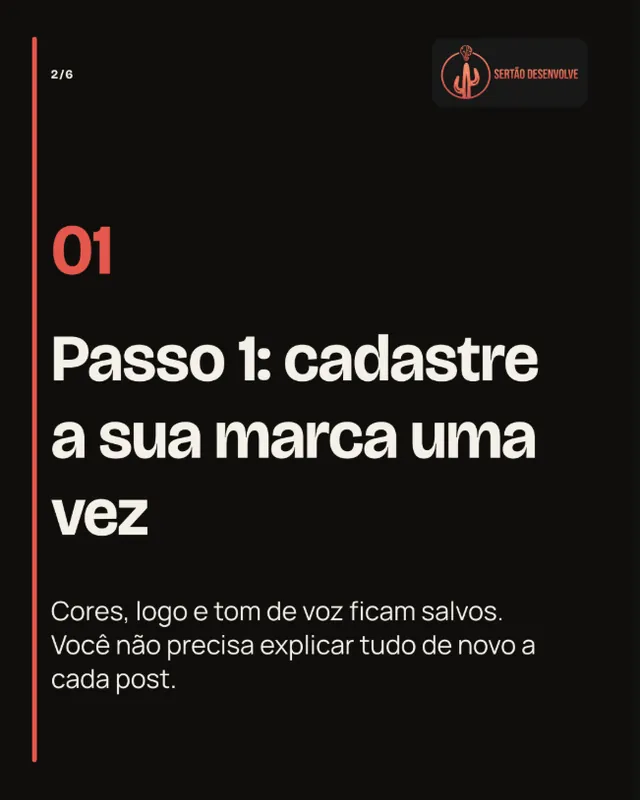
A slide from the "From request to post in 4 steps" carousel, made in the Studio. - Step 2
Ask for what you need
Type a free-form request or use Guide me, which builds it with clicks: format, goal, subject, who appears in the image, message and call to action. Attach product photos or a link if you like.
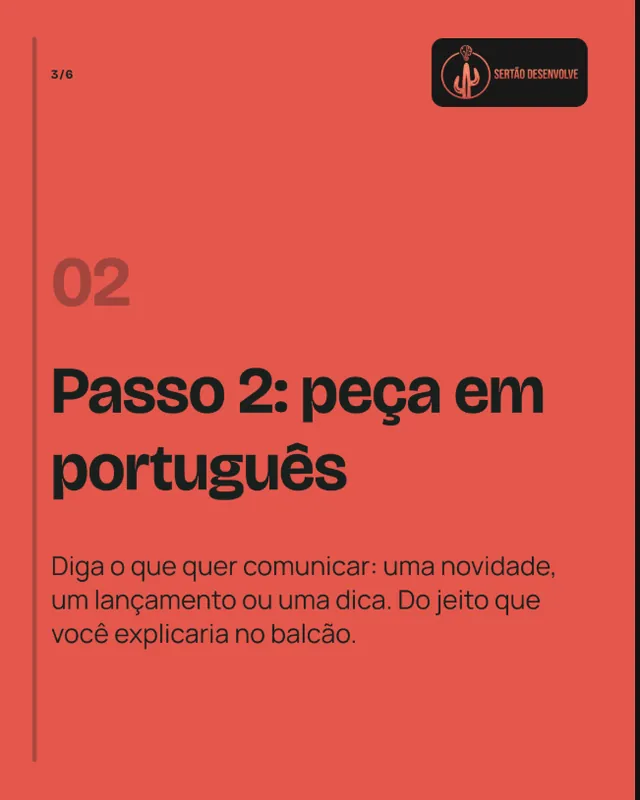
A request can be one sentence. Attached references become context for the piece. - Step 3
Review, approve and publish
The post arrives as a draft. Change the headline, ask for another version or approve it. With your Instagram account connected, publish right away or schedule it on the calendar.
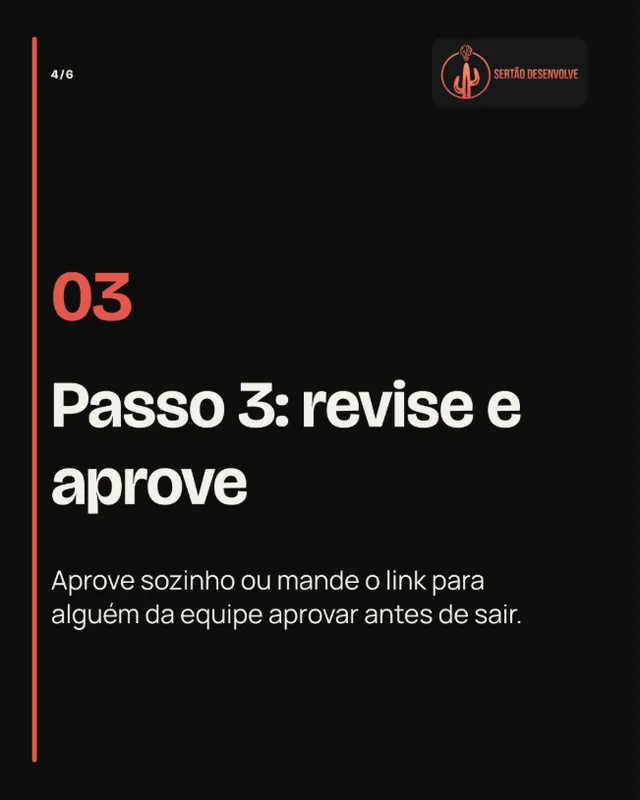
Nothing is published without your approval.
Posts made in the Studio
These pieces were made for brands of the Completude ecosystem and published on Instagram, in Portuguese. Notice how each brand keeps its own palette, typography and way of speaking.



What the Studio delivers with every post
- Format
- A 1080 × 1350 px PNG (4:5), the ratio that takes the most room in the feed.
- Text on the art
- A headline of up to 60 characters, a supporting line of up to 120 and a call to action of up to 40, with no ellipses or cut words.
- Caption
- A ready caption with call to action and hashtags, to copy or publish with the post.
- Checked facts
- A price or specification taken from a reference blocks approval until you confirm it.
- Review
- Automatic moderation and per-segment advertising rules before you approve or publish.
Frequently asked questions
Do I need design skills?
No. Colors, fonts and layout come from Brand Brain and the templates allowed for your brand. You write the request and review the result.
Can I publish the post straight to Instagram?
Yes. With a professional Instagram account connected through the official Meta integration, you publish or schedule from the Studio without downloading the file.
What if the post isn't what I wanted?
Edit the text, ask for a new version or change a single field. A changed version goes back to draft and needs a new approval before it can be published.
Can I use photos of my product?
Yes. Attach the photo to the request or pick it from the brand gallery. The piece uses your photo as the product photo instead of generating a new image.
How many posts does my plan include?
It depends on the plan. The pricing page shows each plan's monthly quota. A generation that fails does not use up your quota.
More Studio features
- CarouselsA cover that stops the scroll, slides that explain and a closing call, in your brand identity.
- ReelsA five-scene script, voiceover and captions in 9:16, ready to review and publish.
- Brand BrainColors, fonts, voice and audience set once and used in every generation.
- Calendar and publishingPlan, approve by link and schedule Instagram posts through the official Meta integration.
Your next post can go out today
Set up your brand, make your first request and see the result before you decide what to publish.