Feature · Carousels
An Instagram carousel maker, from the cover to the final call
A good carousel tells a story: the cover stops the scroll, the slides explain and the last one asks for an action. The Studio builds that sequence in your brand identity and delivers the slides ready to publish, with a caption.

A carousel is twice the work
A carousel is several pieces that have to talk to each other. The cover makes a promise, the middle keeps it and the end invites the reader to act. When each slide is made on its own, the thread breaks: the color shifts, the text repeats the previous slide and the call to action disappears.
That is why so many brands give up on the format, even knowing it is great for teaching and for getting saved.
- Slides that say the same thing in different words.
- A cover with no hook, so nobody swipes.
- A last slide with no call to action.
- Exporting and renaming ten images in the right order.
How it works in the Studio
The carousel starts from the same short request, with the sequence planned from the beginning.
- Step 1
Give the topic and the goal
Type the topic, or use Guide me to pick the goal, subject, message and call to action in a few clicks. A regular carousel reaches the preview in up to seven clicks.
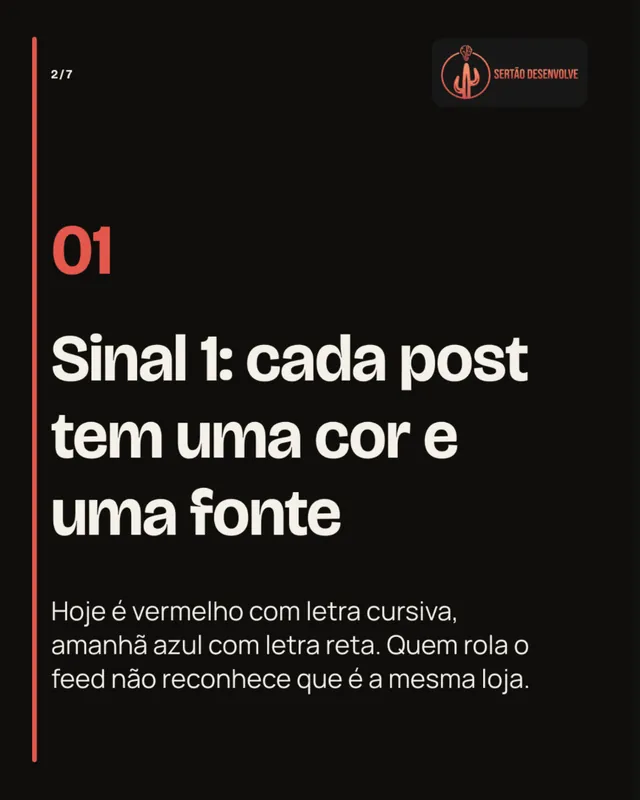
Slide 2 of the "5 signs" carousel: one point per slide. - Step 2
Get the whole sequence
The Studio writes the cover, the body and the close, and checks the slide order. Repeated ideas or slides out of order are fixed before delivery, never padded with filler text.

The same palette and font on every slide. - Step 3
Approve and publish as a carousel
Review slide by slide, ask for changes and approve. On a connected Instagram account, the Studio publishes the slides together as a carousel, or schedules them on the calendar.
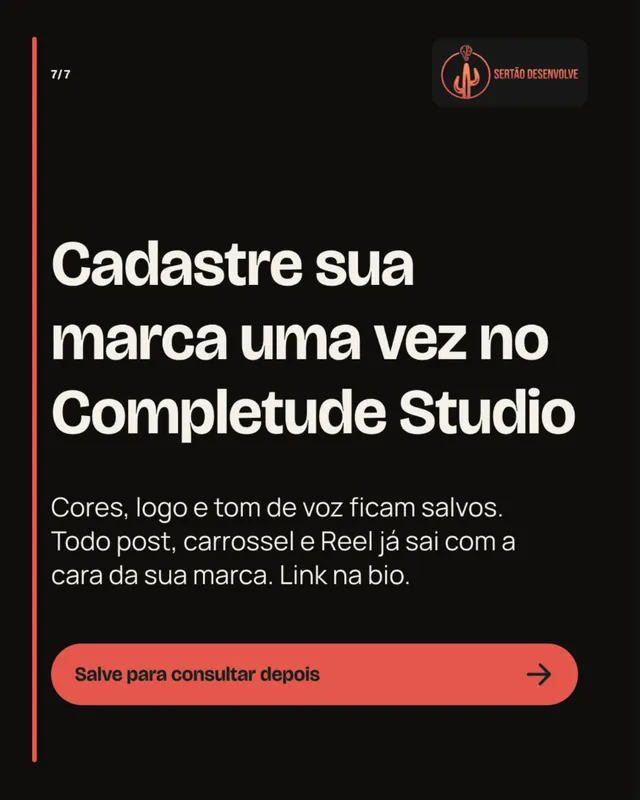
The final slide always leads to an action.
Carousels made in the Studio
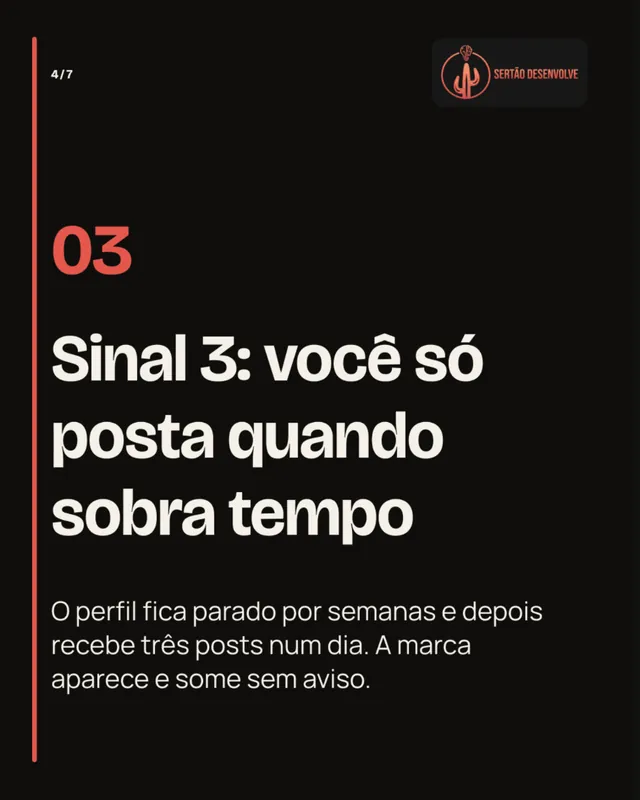
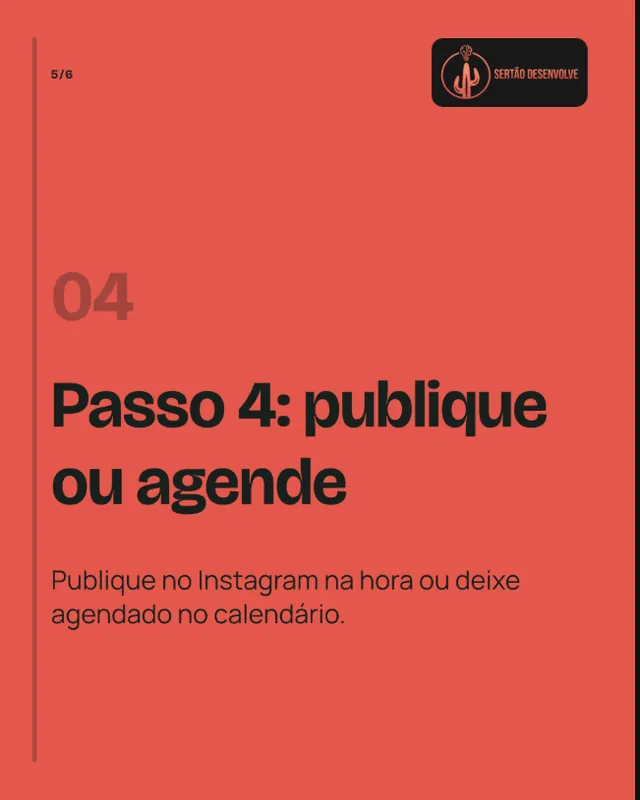
Two carousels made for Sertão Desenvolve, a brand of the Completude ecosystem, in Portuguese. One teaches readers to spot a problem; the other explains a process step by step.

What the Studio delivers with every carousel
- Slides
- Three to ten 1080 × 1350 px PNGs (4:5), in the right order.
- Text per slide
- A title of up to 100 characters, body of up to 280 and a call to action of up to 140, fitted without cutting words.
- PDF and bundle
- A PDF with every slide and a bundle with the images and the caption.
- Caption
- A carousel caption with call to action and hashtags.
- Publishing
- On Instagram the slides go out together as one carousel, right away or scheduled.
Frequently asked questions
How many slides can a carousel have?
Three to ten. The Studio picks the number from the story the request tells, and you can ask for more or fewer during review.
Can I change the text of a single slide?
Yes. Review lets you change one field without touching the rest. The changed version goes back to draft until you approve it again.
Can a carousel mix photos and video?
Not yet. Carousels are image-only today. For video, use Reels.
Does it work for LinkedIn?
The carousel PDF can be posted as a document. Automatic publishing to LinkedIn is not available yet, so for now you download it and post it there.
Do carousels count against the same quota as posts?
Yes. Posts and carousels share the plan's image quota. Videos have a quota of their own.
More Studio features
- Instagram postsFrom a short request to a 4:5 post with caption and call to action, in your brand colors and voice.
- ReelsA five-scene script, voiceover and captions in 9:16, ready to review and publish.
- Brand BrainColors, fonts, voice and audience set once and used in every generation.
- Calendar and publishingPlan, approve by link and schedule Instagram posts through the official Meta integration.
Start with the carousel you keep putting off
Pick the topic, let the Studio build the sequence and review it calmly before you publish.