Feature · Calendar and publishing
An editorial calendar to plan, approve and schedule Instagram posts
Creating is half the job. The other half is deciding what goes out each day, getting sign-off from whoever needs to approve and publishing on time. The Studio calendar brings drafts, scheduled and published pieces together, with approval by link and publishing through the official Meta integration.
A spreadsheet, a chat and a phone reminder are not a calendar
The post is ready, but the approval is buried in a chat. The date is in a spreadsheet. Publishing depends on someone remembering to open Instagram at the right time.
For agencies it gets worse: every client approves differently and nobody knows which version was approved.
- One version approved, another one published.
- A week with no posts because nobody scheduled them.
- Files downloaded and re-sent over and over.
- No record of who approved what.
How it works in the Studio
From planning to publishing without leaving the platform.
- Step 1
Plan the week
Generate several pieces at once, or let automatic generation prepare the week according to your plan. Everything shows up on the calendar as a draft with a proposed date.
Requests become dated drafts on the calendar. - Step 2
Approve, or send for approval
Approve it yourself or send the client an approval link with an expiry date and an optional PIN. The client sees the preview, leaves a comment or approves without creating an account.
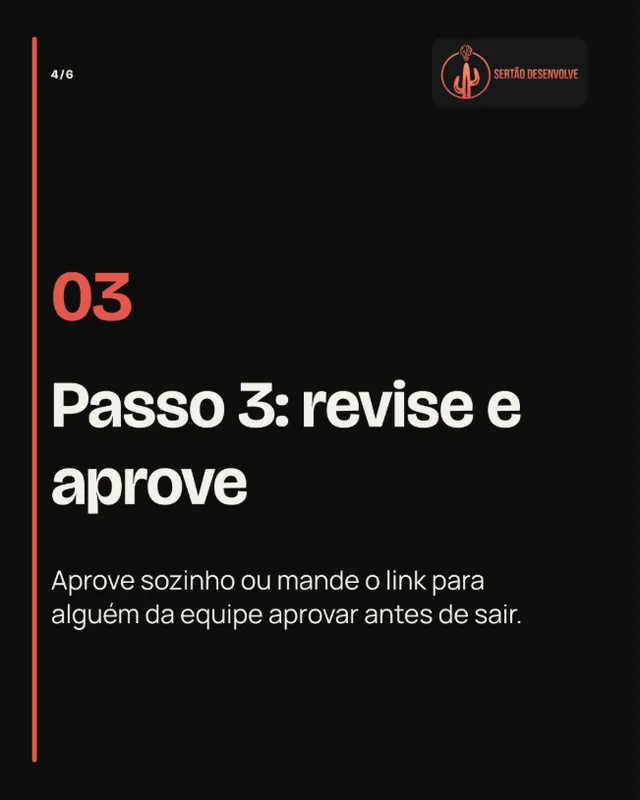
The approval is recorded on the exact version that was seen. - Step 3
Publish or schedule
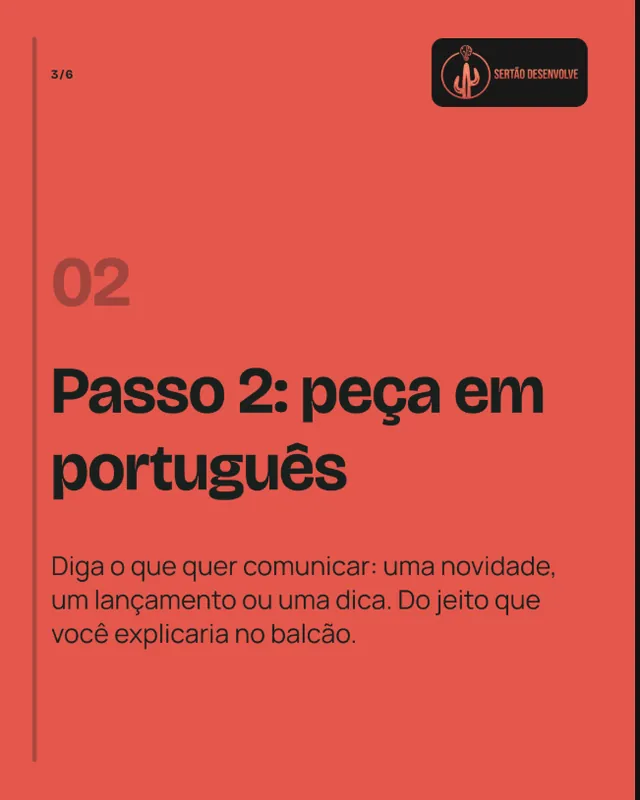
Pick the connected account and publish now or schedule. Each destination has its own status and its own retry if something fails.
Publishing through the official Meta integration, no file downloads.
What goes through the calendar
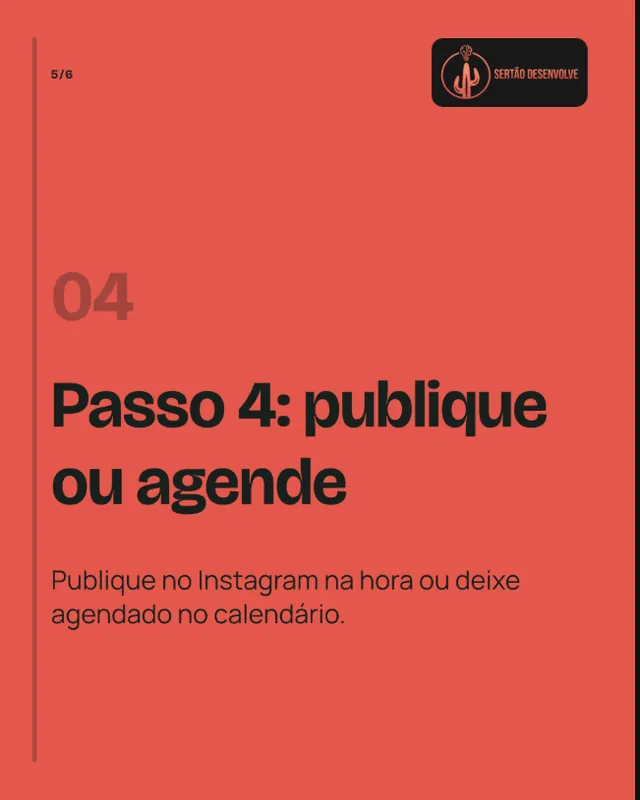
Posts, carousels and Reels made in the Studio share the same calendar. These Completude ecosystem pieces were approved and published that way.


What the calendar does today
- Overview
- Drafts, scheduled and published pieces on one calendar, with bulk actions.
- Approval by link
- A public link with an expiry date and an optional PIN. A version changed after approval goes back to draft.
- Publishing and scheduling posts, carousels, Reels and Stories through the official Meta API.
- Other networks
- Facebook, TikTok and LinkedIn come as their official integrations are cleared. Until then, you download the files.
- Tracking
- Each destination keeps its own status, error and retry. A failure on one never re-sends the others.
Frequently asked questions
Does the Studio publish on its own, without my approval?
No. Generating a piece publishes nothing. Publishing needs an approved version and a connected account.
Does my client need an account to approve?
No. They get an approval link with an expiry date and, if you want, a PIN. The link only opens the pieces you sent.
What happens if publishing fails?
The failed destination shows the error and lets you try again. The approval still stands and the other destinations are not re-sent.
Can I schedule for Facebook, TikTok and LinkedIn?
Automatic publishing is on Instagram today. The other networks come as their official integrations are cleared; until then, download the files and post them there.
Do I need a Facebook Page to connect Instagram?
No. A professional Instagram account connects directly. If you already use a linked Facebook Page, you can connect through it too.
More Studio features
- Instagram postsFrom a short request to a 4:5 post with caption and call to action, in your brand colors and voice.
- CarouselsA cover that stops the scroll, slides that explain and a closing call, in your brand identity.
- ReelsA five-scene script, voiceover and captions in 9:16, ready to review and publish.
- Brand BrainColors, fonts, voice and audience set once and used in every generation.
A planned week in one place
Generate the pieces, collect the approvals and schedule Instagram without spreadsheets or reminders.